Animation skills for Claude Code and Codex
Updated
Use the chorono-setup and chorono agent skills to create editable text animation and 2D motion graphics from a prompt. Claude Code or Codex works in a real Chorono editor, where you can inspect and change the layers and keyframes.
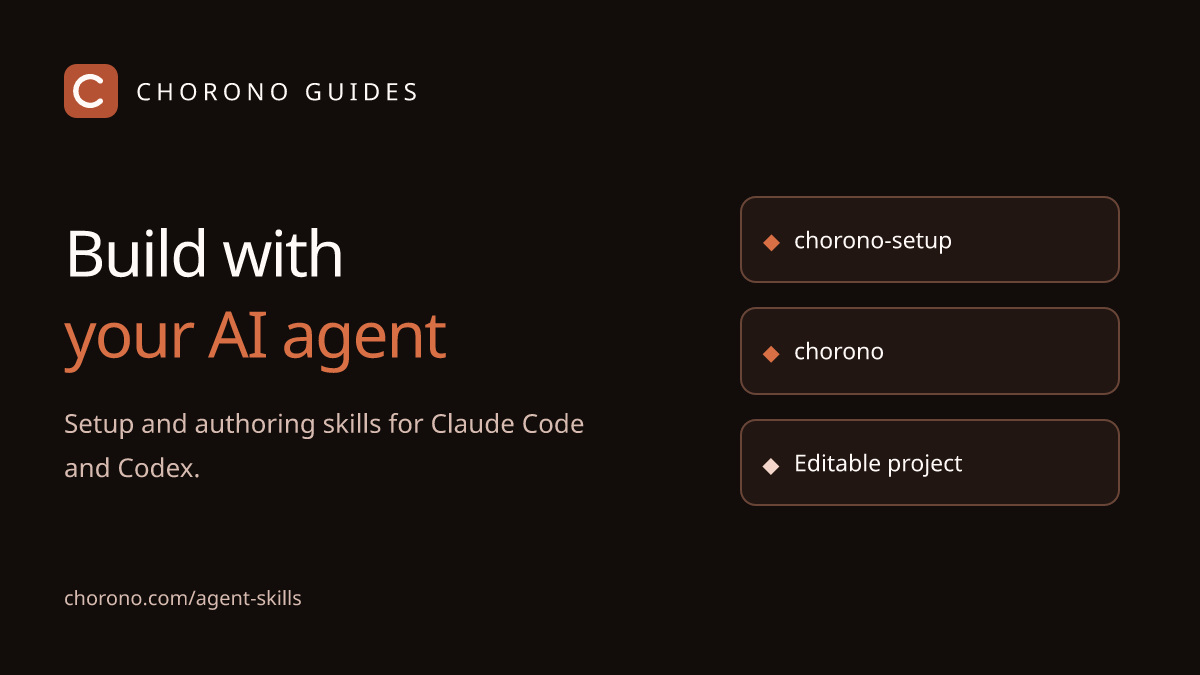
Two skills, one workflow
chorono-setup- Prepares the editor and MCP client connection, starts the local server, checks readiness and manages installed skills.
chorono- Creates and edits scenes, layers, keyframes and independent animations. It guides the agent to inspect real preview images, validate the scene and save a portable project.
A skill provides instructions. MCP, the connection between the agent client and the editor, supplies the tools. Installing instructions alone does not install an editor or load tools into an open chat.
Chorono is the motion graphics software in this workflow. The agent skills help you build animated titles, kinetic typography, shape transitions and small 2D illustrations while keeping the source editable. A precise prompt describes both the design and its timing.
Try an editable text animation
This six-second example combines a title entrance, an extending underline and a moving circle. Play it here, then download the same project to change the copy, colors or keyframes in Chorono.
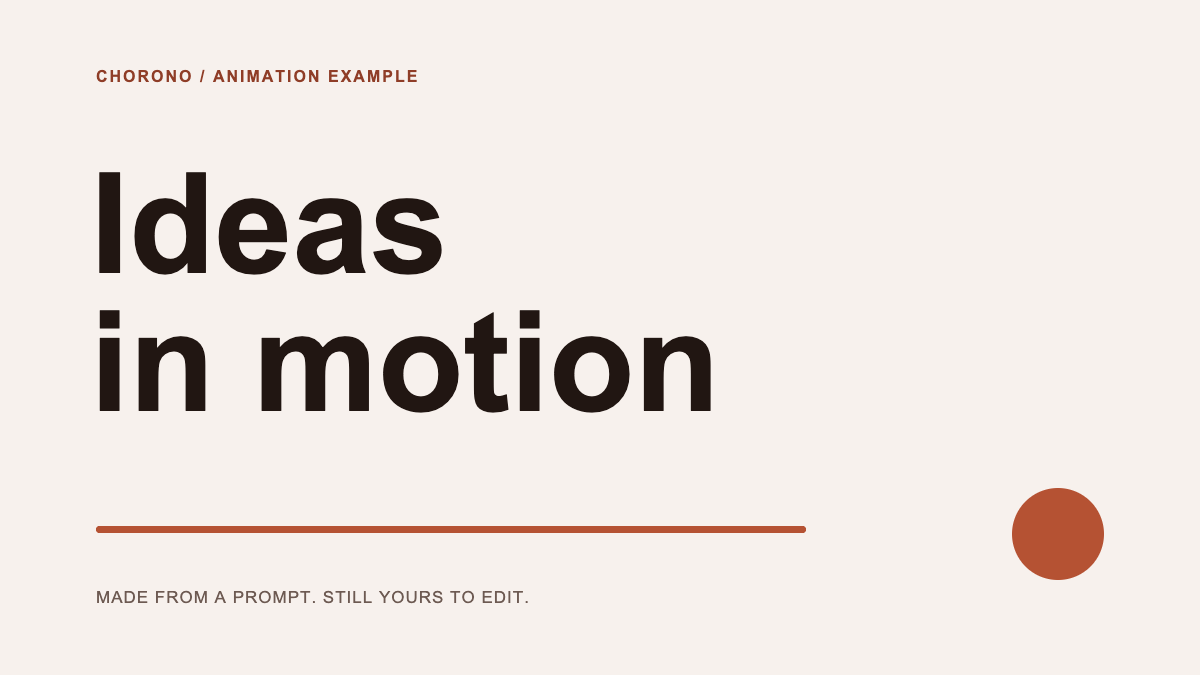
In the editor menu, choose Open Scene JSON and select the downloaded .chorono.json file. Use a separate editor tab if you already have a project open. Connect that tab through MCP before asking an agent to revise it.
Follow the Claude Code text animation tutorial and example prompt, or use the Codex setup guide with the same two skills.
Install the bundled skills
The editor setup already installs both skills for the selected Codex and Claude Code clients. From an existing editor checkout, you can also manage only the skills:
npm run cli:build
npm run skills -- list
npm run skills -- install --dry-run
npm run skills -- install
npm run skills -- check
Project skills are placed in .agents/skills/ for Codex and .claude/skills/ for Claude Code. Add --global --agent codex for a user-wide Codex install, or select --agent claude-code. Start a new agent session afterward.
What the agent reads
skills/
  chorono-setup/
    SKILL.md
  chorono/
    SKILL.md
    references/
      connection.md
      animation.md
      interaction.md
      media-and-output.md
The main files describe the workflow. Topic references provide connection, animation, interaction and output details when needed. The agent reads the connected editor’s actual tool schemas before choosing properties and operations.
Create, inspect, refine
Ask for a named scene, timing and output. The agent reads existing work, preserves unrelated objects, creates or adjusts animations, then reviews images at meaningful moments. You can refine the same scene in the browser or continue in the chat.
Use Chorono to animate a product title with an intro, a looping idle and an outro. Check text fit and transitions in preview images, then save the editable project.
For updates, rebuild the bundle from your chosen source version and use npm run skills -- update. The CLI preserves locally modified or foreign copies. Its check compares against the local bundle, not the latest npm release.
Read the full authoring skill, setup skill and installation and update reference.