The Chorono notebook
From a prompt to
editable motion.
Practical guides to making animations with Claude Code and Codex. Set up your editor, write a clear brief and shape the result in Chorono.
Start here · 5 practical guides
By Chorono ekibi
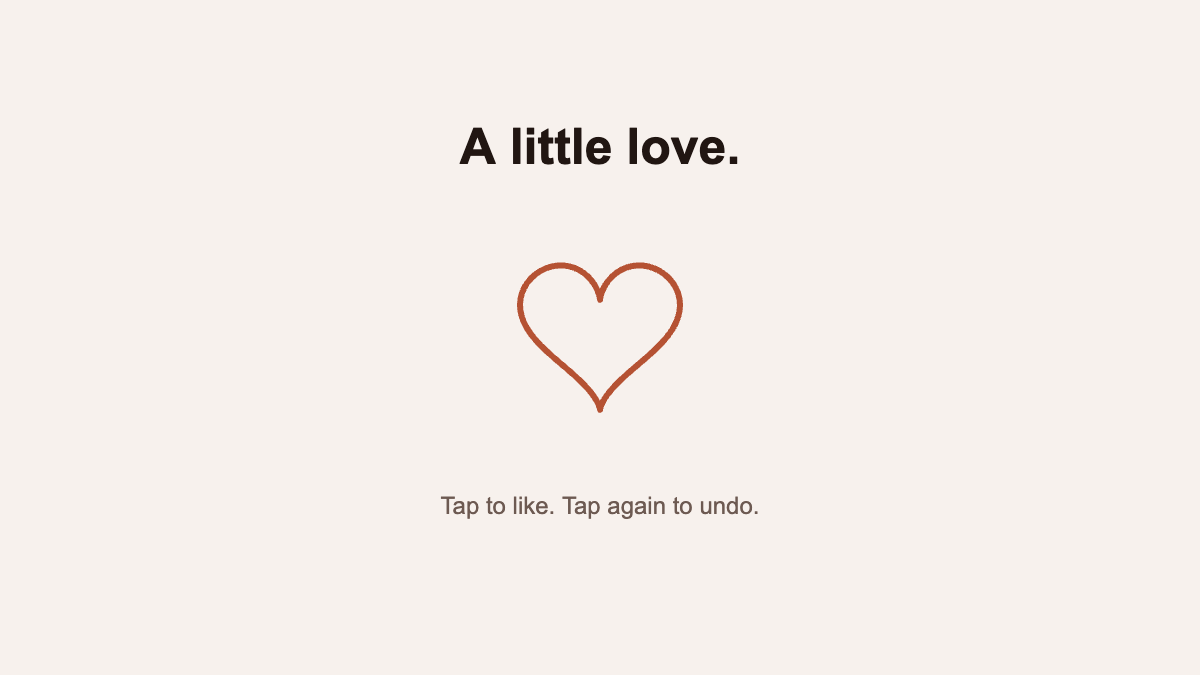
Make a heart like and hamburger menu animation with AI
Click two interactive UI animation examples, download editable Chorono projects and copy creation and revision prompts for a heart like button and hamburger menu.
Read the guide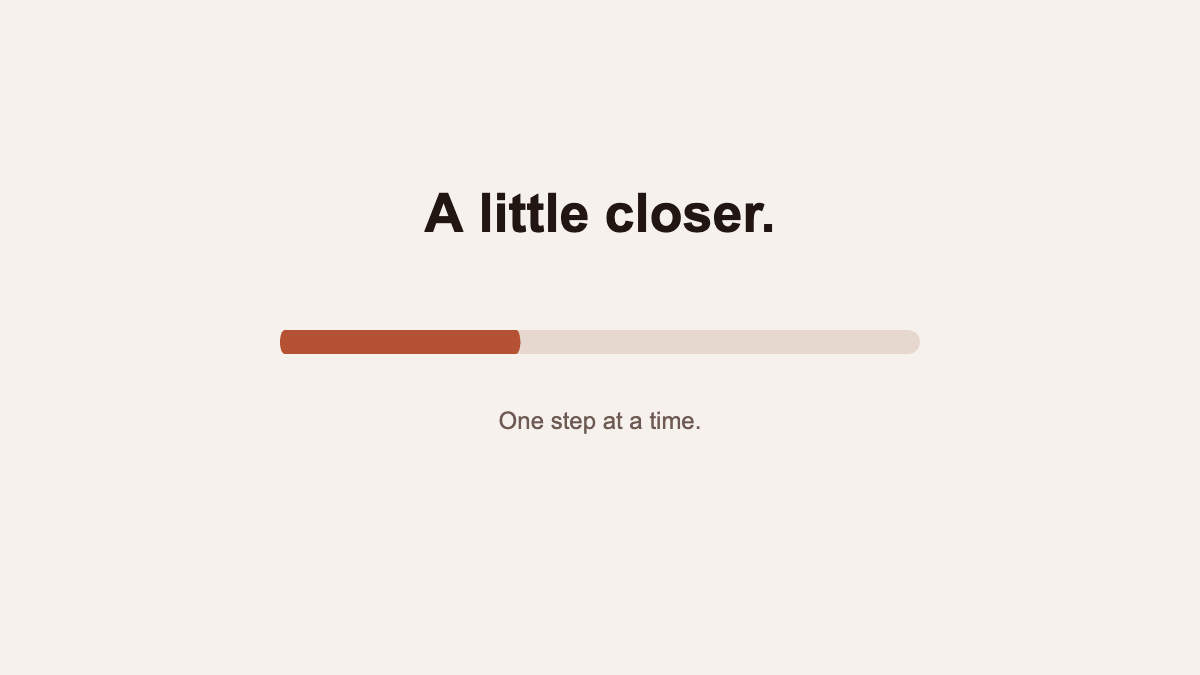
Create a progress bar and success animation with AI
Play two editable UI animation examples: a progress bar and success checkmark. Download the Chorono projects and use creation and revision prompts with Codex or Claude.
Read the guide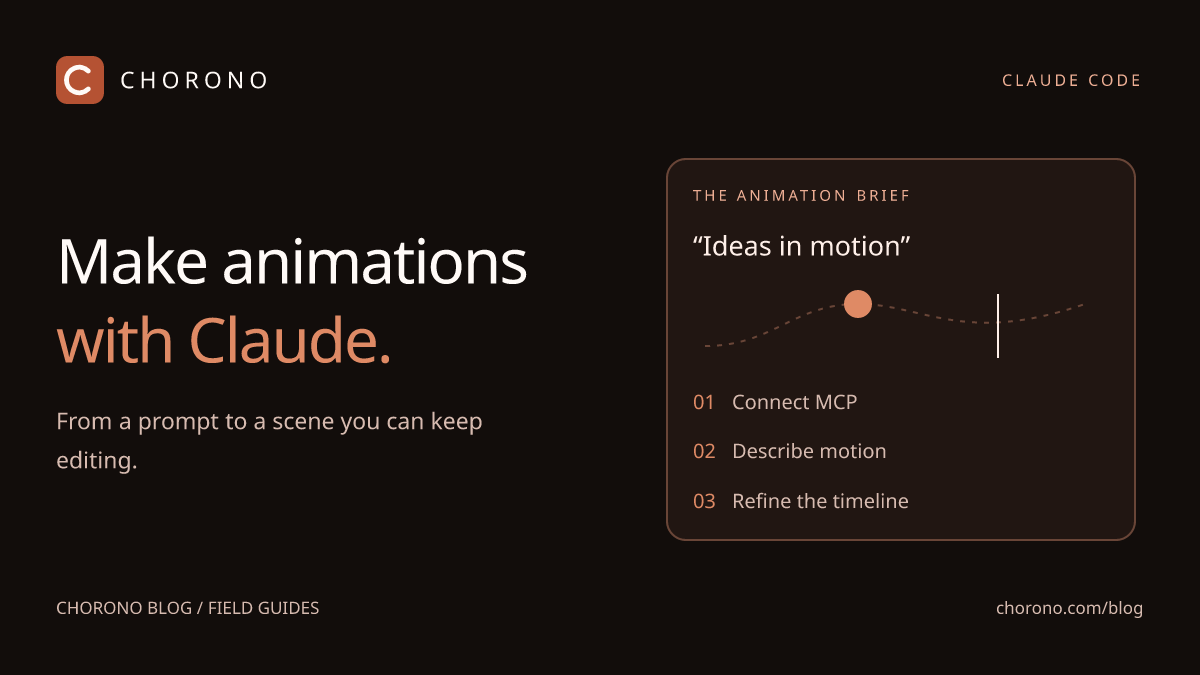
Make text animation and motion graphics with Claude Code
Create editable text animation and 2D motion graphics with Claude Code and Chorono. Follow the setup, play a real example and download its project.
Read the guide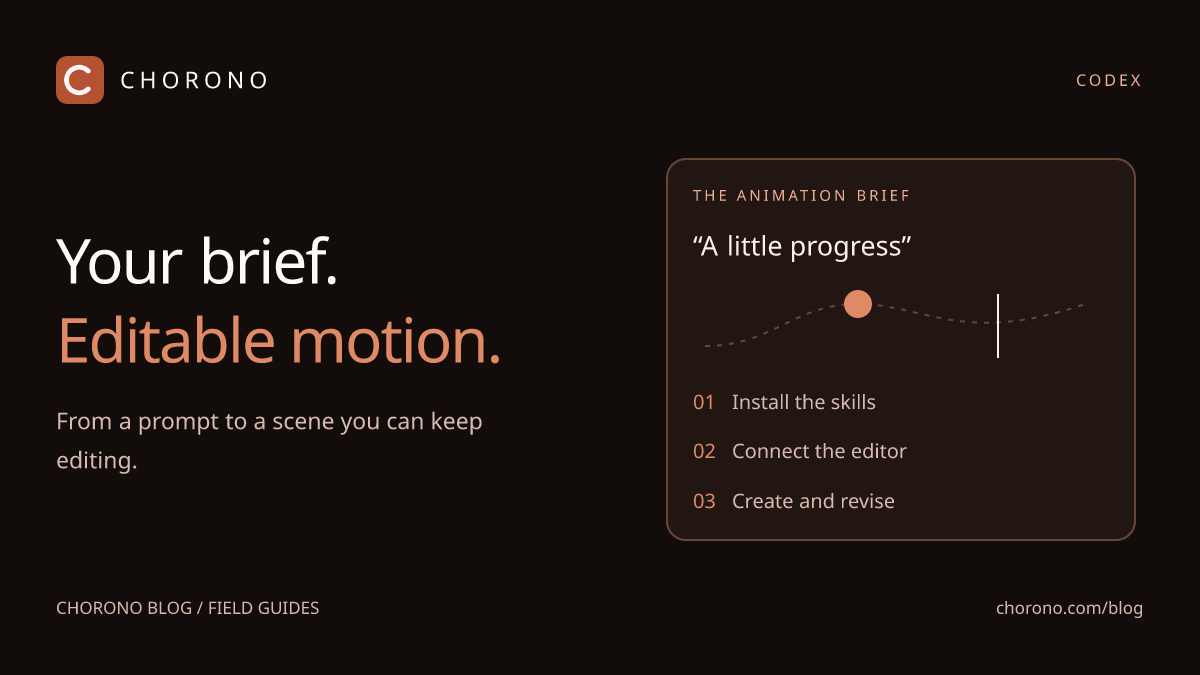
Make editable animations with Codex and Chorono
Create animations with Codex and Chorono. Play a three-dot loading loop, download its editable project and copy the creation and revision prompts.
Read the guide
Six animation prompts for Claude and Codex
Try six practical animation prompts for Claude Code and Codex in Chorono: title cards, loading loops, logo reveals, explainers, particles and targeted revisions.
Read the guideGet your editor ready.
Install Chorono locally and connect your agent through MCP. Keep every layer and keyframe available for the next idea.