
Start with the actual Codex animation project
Play and download the four-second loading loop below. Codex created one headline and three named circles in Chorono. The portable project contains four layers, three animation tracks and 24 keyframes; the preview is playback of that scene, not a video-generation mockup.
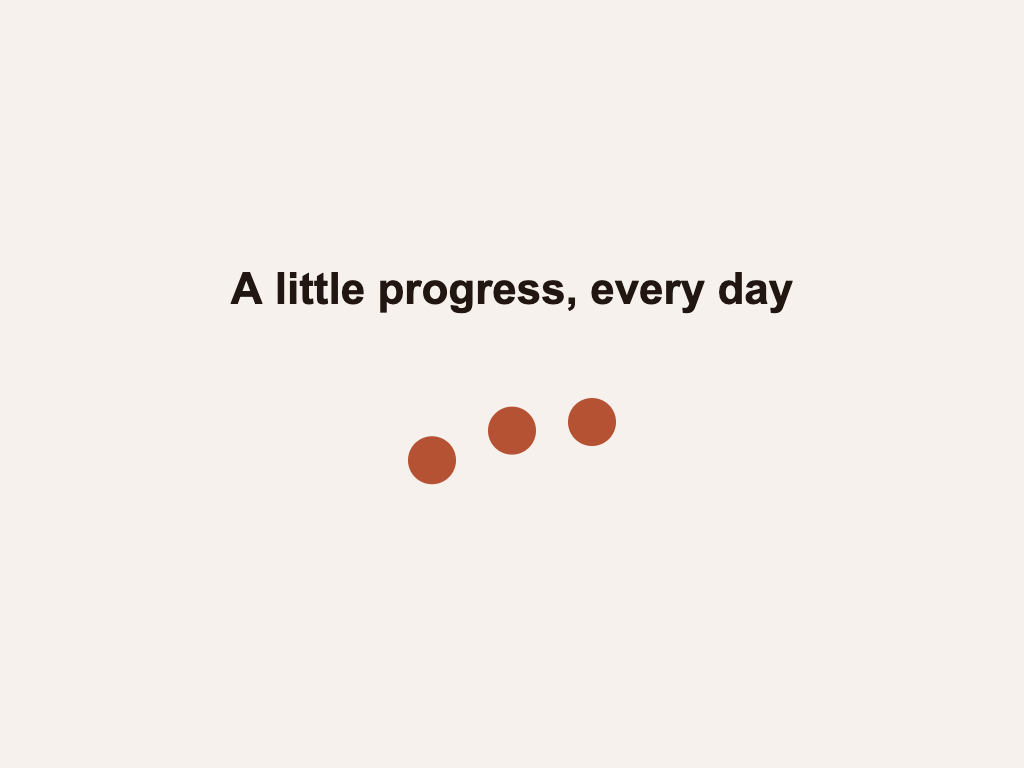
Open the downloaded JSON in a separate local editor tab with Open Scene JSON. Select the Headline layer to change its wording, or select a dot and adjust its fill color. Save Scene JSON under a new name before asking Codex to continue.
Make one change yourself and inspect its timeline
For a clear before-and-after check, change the headline to “Still moving forward.” and make the left dot blue. Leave the four-second duration and the dot tracks as they are. Play the scene and confirm the new words fit above the motion.
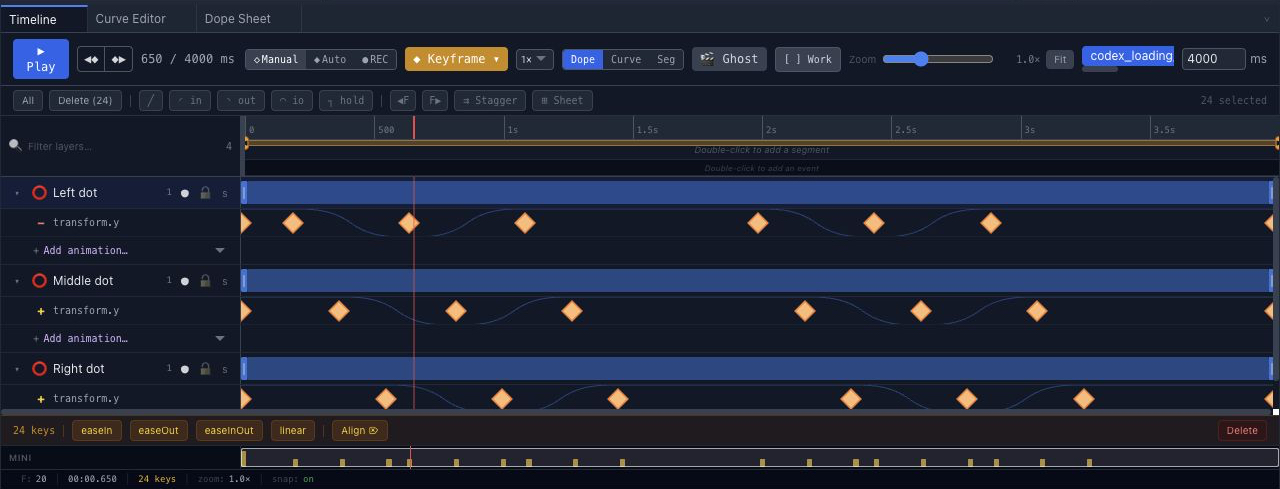
The timeline screenshot shows the original Codex loading-loop project before the manual example changes. Your own saved copy is the baseline to compare with the later agent revision.
Tell Codex exactly what to change and keep
Reconnect the editor tab that contains your saved manual version. Codex should read the current scene and revision, identify the named Middle dot track and change only its timing. The prompt below makes the human edits explicit so the result can be checked.
Use the chorono skill in the connected editor. Read the current loading-loop scene and revision before editing. I changed the Headline text to “Still moving forward.” and the Left dot fill to blue by hand. Keep those changes, every layer name, the four-second loop and all other tracks. Change only the Middle dot position track so its first upward movement starts 150 ms later while it still returns to the original starting position at the loop boundary. Inspect the middle of the loop and both sides of the boundary, validate, then save a separately named portable project. Report the exact layer and track changed.A later manual change can make a previously read scene revision stale. Chorono’s agent workflow uses the current scene revision for edits; when it changes, Codex should read the scene again and adapt rather than apply an old plan. A narrow request helps, but the saved result still needs your review.
Check that your manual work survived
- Open the revised portable project and confirm the Headline still says “Still moving forward.”
- Confirm the Left dot is still blue and the named layers are present.
- Scrub the Middle dot movement and the loop boundary; compare them with the manual baseline.
- If the agent changed unrelated values, return to the saved manual version and request a smaller correction.
This test distinguishes the one requested timing change from the manual edits you wanted to keep. Save the verified file as the new editable source. The current article provides the exercise and original project; it does not present a completed before-and-after preservation test.
Why a second prompt can overwrite manual animation work
If an agent generates a replacement scene from an earlier description, it may not include changes you made later in an editor. That is a workflow risk, not a universal Codex behavior. Working on the currently connected native scene, naming the object to change and checking the revision make the next edit more controlled.
Chorono is an animation editor with live text, shapes and keyframes. It is not an instant hosted video generator. If you need generated footage or a finished MP4, evaluate that separate production path. If you need AI motion graphics you can still refine by hand, use the editable project as your source.